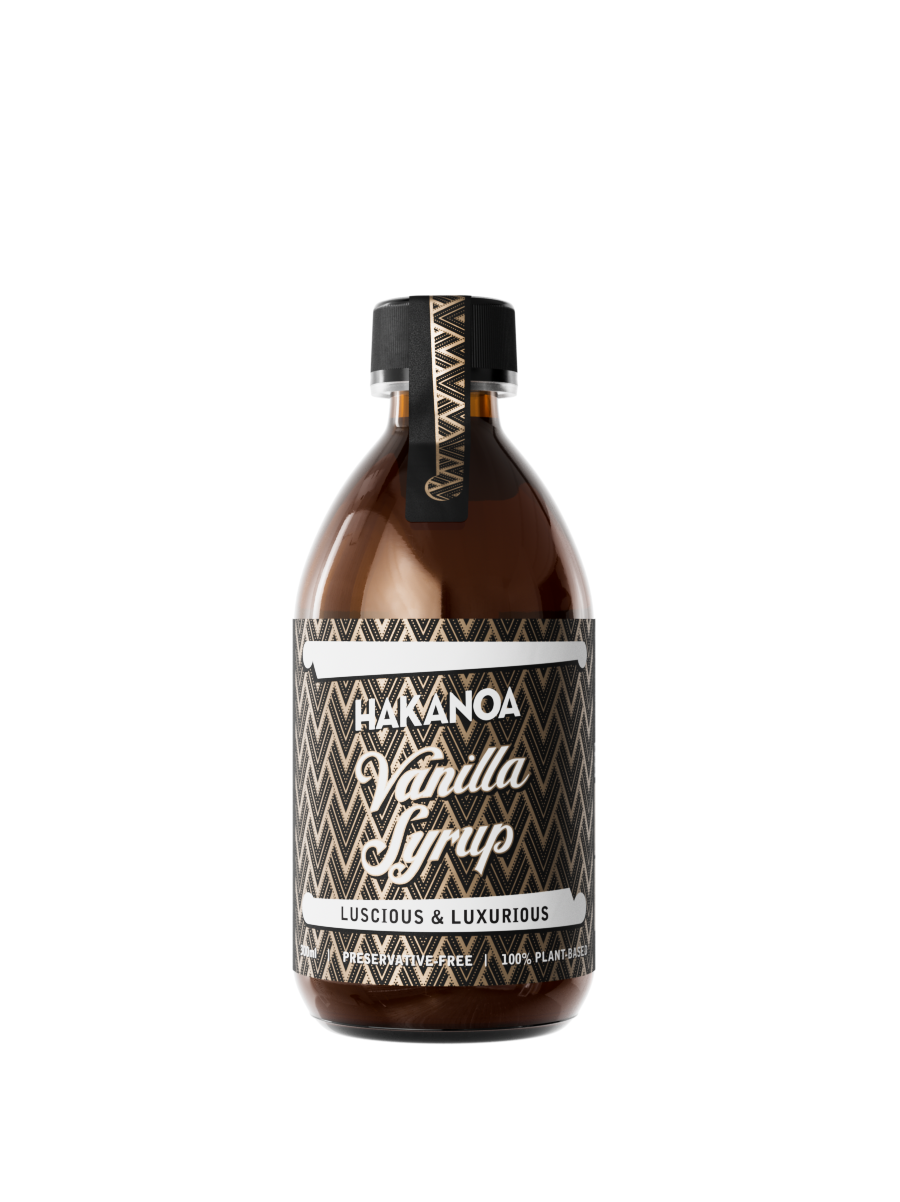
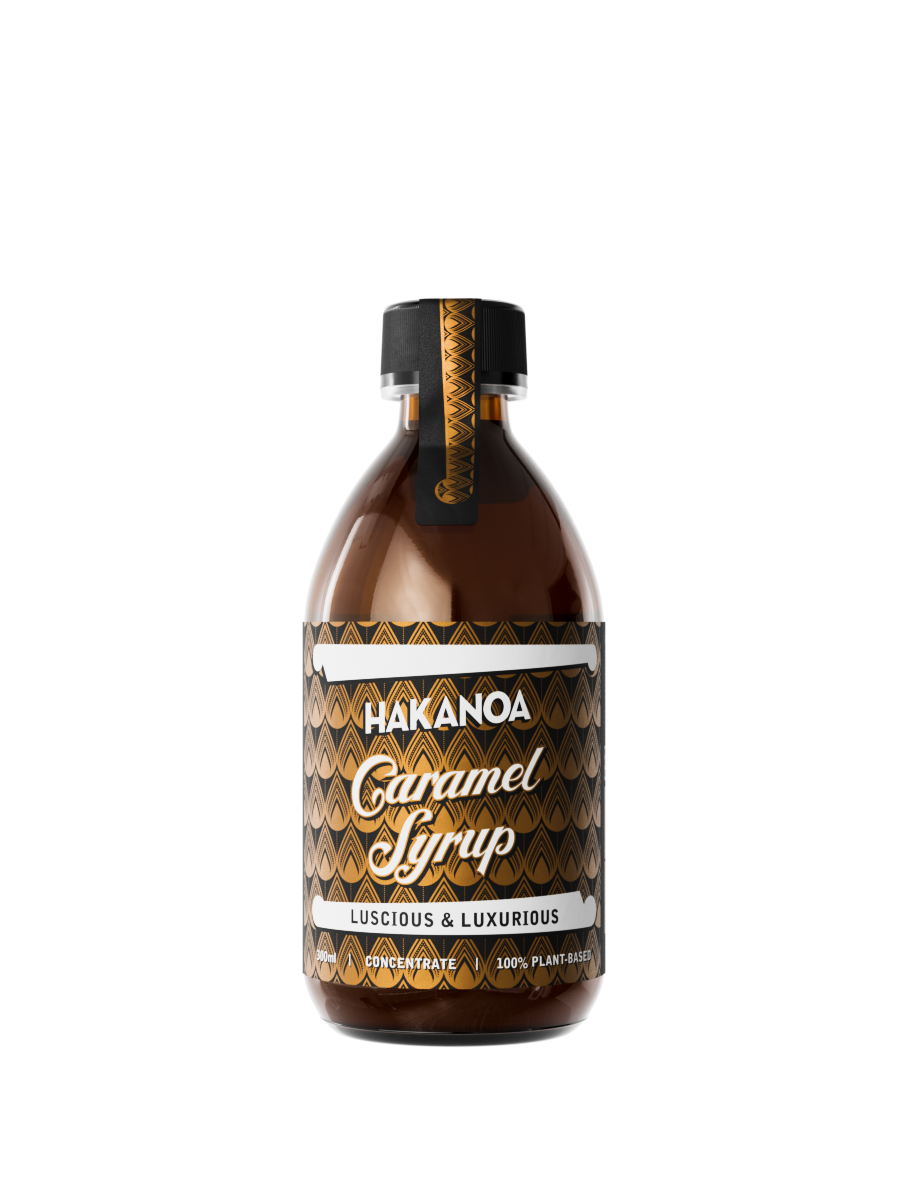
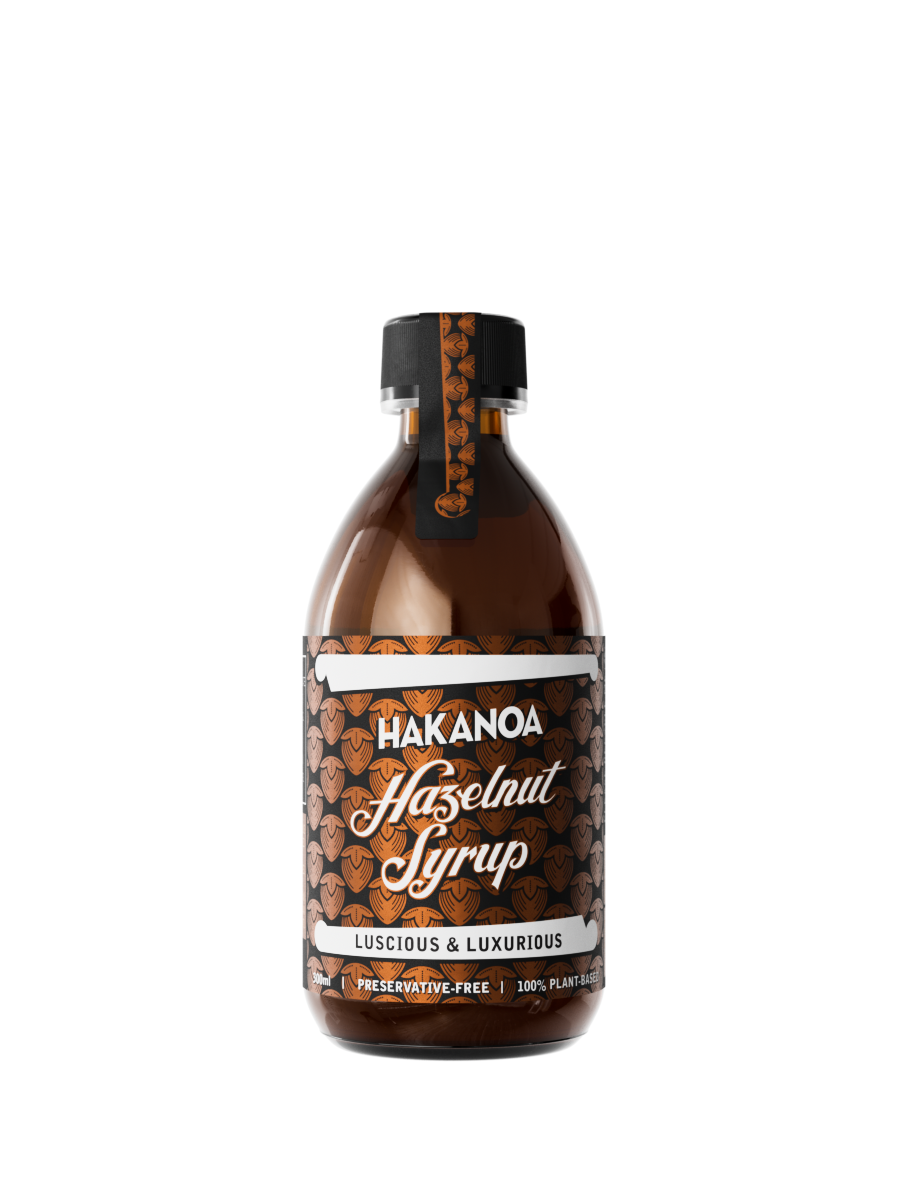
Best chai concentrate ever. It's the grated root ginger that wins me over. Cafe luxury at home.
Perfect combination of ingredients; tasty & refreshing.

Your Daily Ritual, Sorted
Save 10% and never run out of the things that make your day feel better
Life’s busy enough. With a Hakanoa subscription, your favourites arrive just when you need them— no hassle with re-ordering, no last-minute dashes. You’ll save 10% every time, enjoy effortless delivery, and keep your daily ritual flowing uninterrupted. Set it once, then simply slow down, pour yourself your favourite drink, and enjoy.
How it works
1. Choose subscribe & save
Before you add to cart, select Subscribe & Save on your favourite Hakanoa products and enjoy 10% off every order
2. Set your rhythm
Choose how often you’d like delivery—every two, three, four, six weeks, 2 or 3 monthly, whatever suits your ritual best
3. We take care of the rest
Your order arrives reliably and on time. Pause, change, or cancel anytime—no commitment required
Need help?
Everything you might be wondering about subscriptions, deliveries, and keeping things flexible
Simply choose Subscribe & Save on your favourite Hakanoa products and select how often you’d like them delivered. You’ll automatically save 10% on every order, and your favourites will arrive on schedule—no need to reorder each time.
Yes. You can select the delivery frequency that suits you best, whether that’s every two weeks, monthly, or something in between. You’re free to change this anytime.
None at all. Subscribe for as long as it feels right. You can pause, skip, or cancel your subscription at any time—no lock-ins, no awkward goodbyes.
Absolutely. You can manage everything easily through your account—update delivery dates, swap products, pause, or cancel whenever you like.
Your subscription orders are sent with fast, reliable shipping and arrive just like a regular Hakanoa order—only without the hassle of reordering.
No problem. You can bring your next delivery forward, delay it, or skip an order entirely. It’s your rhythm—we just follow along.
How to manage, edit, cancel & reactivate subscriptions
Log in by selecting the person icon at the top of the website. This will be your subscription portal and go to the Orders tab. Select the subscription you want to end and choose Cancel subscription. You may be asked to share a reason, and then confirm the cancellation. After that, future charges and deliveries will stop.
Yes — if the pause feature is enabled, when you choose to cancel your subscription you’ll be offered the option to Pause instead. Just select how long you’d like to pause and confirm. Your next shipment will be delayed accordingly, and you can resume your regular schedule any time.
Inside your customer portal (use the login button or person icon at the top of the site), you can update the shipment date for your next delivery. Just select the subscription and edit the upcoming order date to speed up, delay, or reset your schedule. This lets you tailor deliveries to your rhythm.
Yes — depending on how your subscription is set up, you can often edit the products, bundle contents, or quantities before the next charge shows up in your subscription portal. Look for an Edit or Manage option next to your subscription.
If you’ve cancelled but later change your mind, you can typically reactivate that subscription from your subscription portal (if it hasn’t expired). Just find the cancelled subscription and choose Re-activate. If your subscription has expired, you can simply start a new one.
Future shipments tied to a subscription will stop once you confirm cancellation in the portal. (If your next charge has already processed, that order may still be fulfilled, depending on timing.)